Universal TV Remote for All TV
Digital Generation Hub
Downloads
500,000+
Version
Latest
Click to download now, finish the installation quickly, and directly unlock the all-round experience
Screenshots
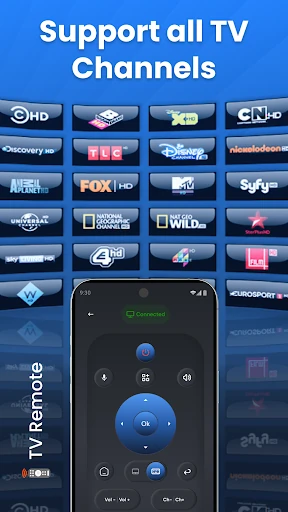
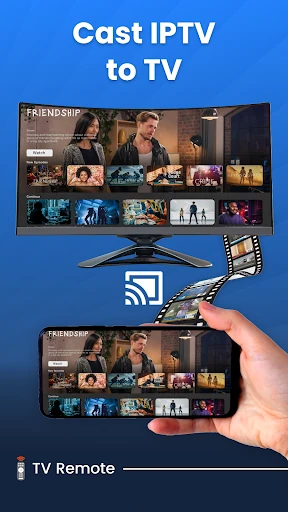
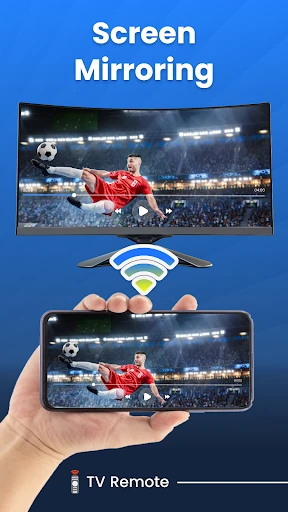
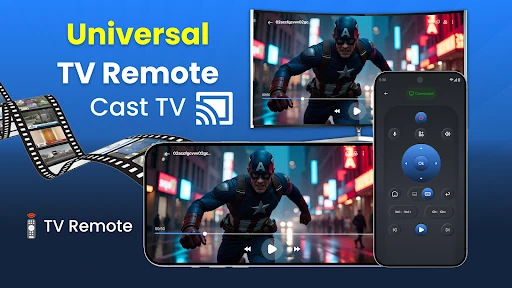
Click to download now, finish the installation quickly, and directly unlock the all-round experience
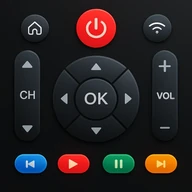
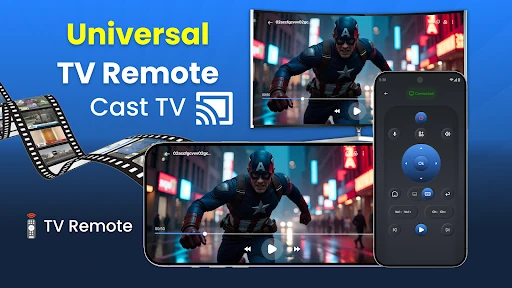
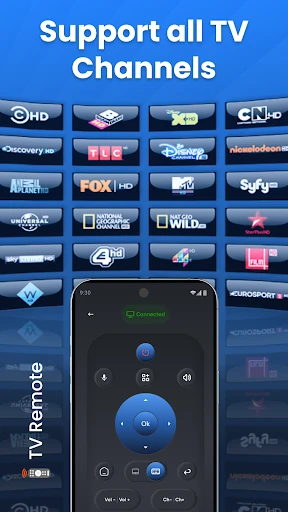
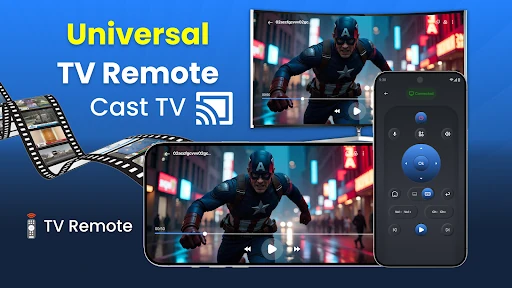
Universal TV Remote for All TV turns an Android phone into a remote for compatible televisions and streaming devices. It suits households with more than one TV, missing remotes, or a mix of older and newer equipment. The app is published by Digital Generation Hub and listed in House & Home.
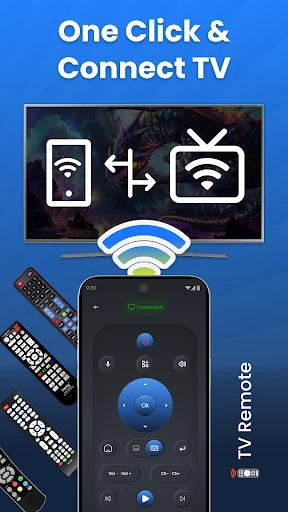
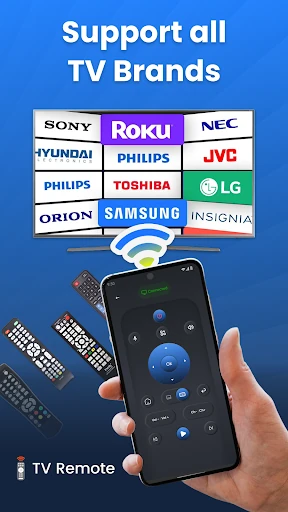
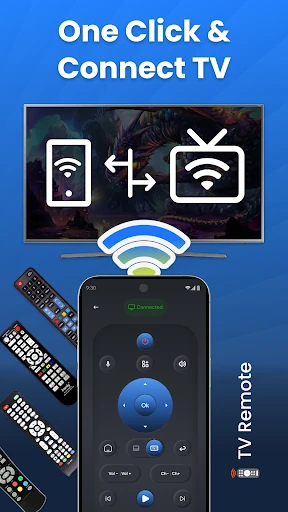
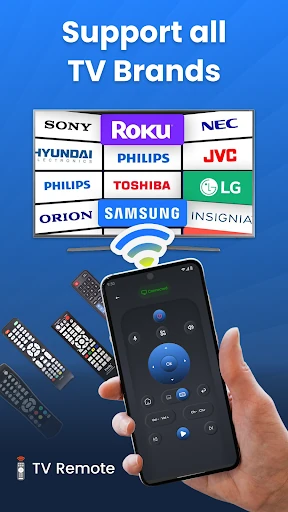
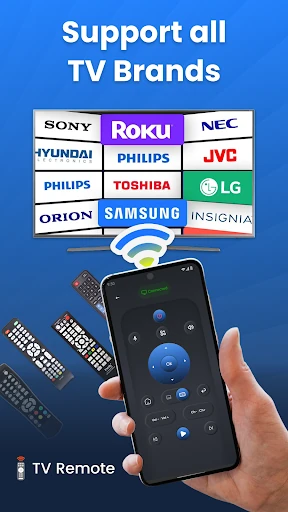
The app supports control over a range of TV brands and devices, including Samsung, LG, Roku and Vizio. Depending on the hardware, it can connect through Wi-Fi or use infrared control on phones that have an IR blaster. That makes it useful for both smart TVs and some older sets, although compatibility depends on the phone and television.
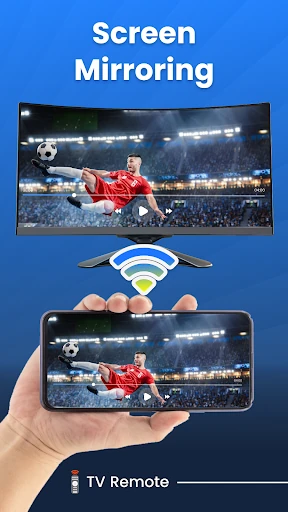
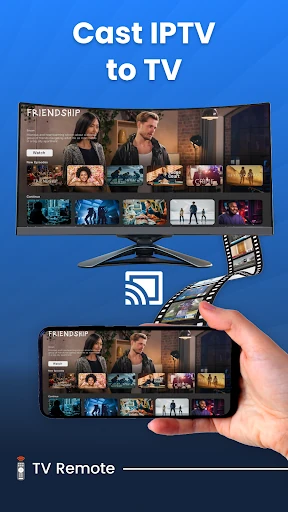
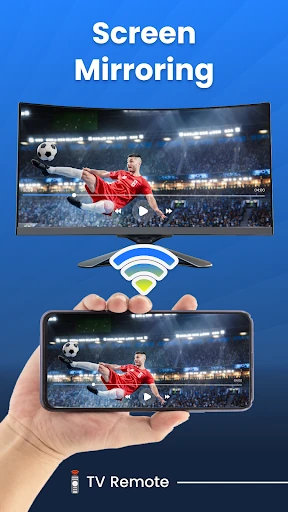
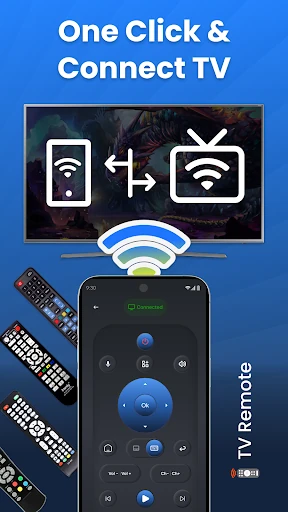
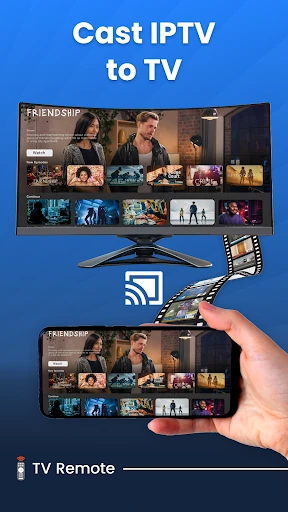
The main benefit is consolidation: fewer physical remotes and one familiar device for everyday controls. Gesture navigation can make swiping through menus more convenient, while casting and screen mirroring extend the app beyond channel and volume commands. Setup is designed around pairing the phone with the target TV or device, but the result will vary by brand, network and hardware support.
With 500,000+ installs, a rating of 4.27 from 353 reviews, and a clear utility for mixed-TV households, this is a focused remote-control tool rather than a general smart-home suite. Check whether the phone has an IR sensor if you need to control a non-smart TV, and keep Wi-Fi devices on the same network when using network-based controls.