Click to download now, finish the installation quickly, and directly unlock the all-round experience
Screenshots
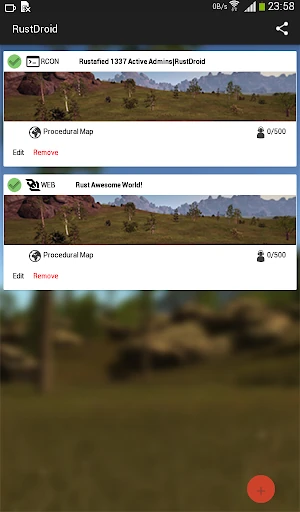
Click to download now, finish the installation quickly, and directly unlock the all-round experience
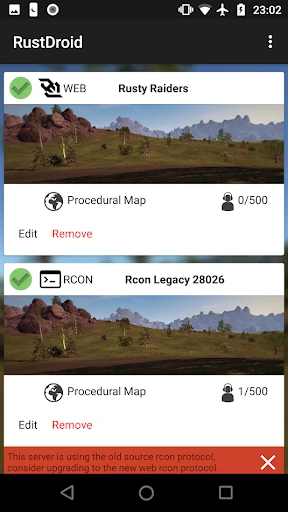
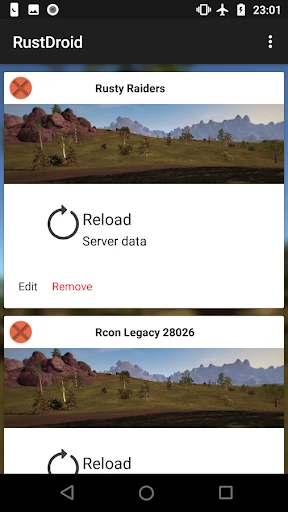
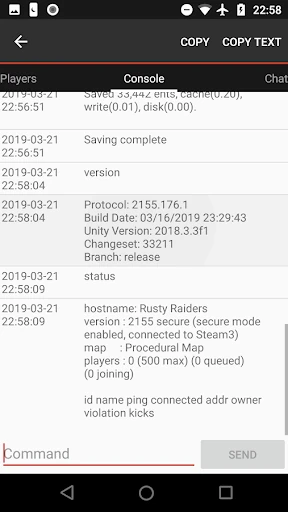
RustDroid: Rust Server Admin is a companion tool for owners and moderators of Rust servers. It connects to a server through RCON, giving administrators a way to check activity and handle routine management from an Android device instead of relying on the in-game console or a desktop.
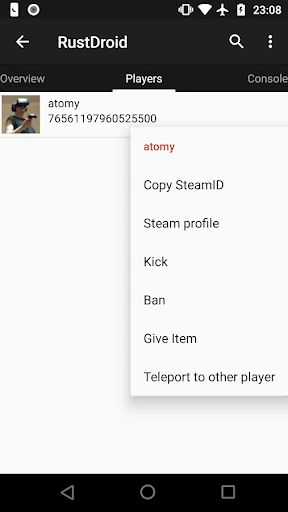
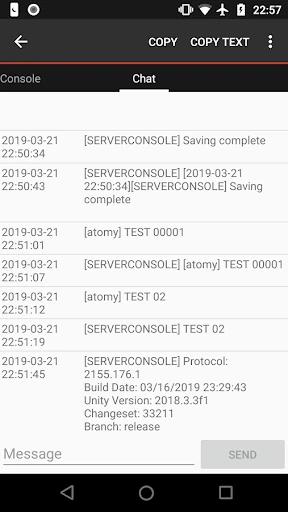
The app brings server chat, player lists and console access into one interface. Administrators can work across multiple Rust servers, review connected players, and respond to moderation issues with actions such as kicking or banning. It also supports chat setups used by modded servers, including BetterChat.
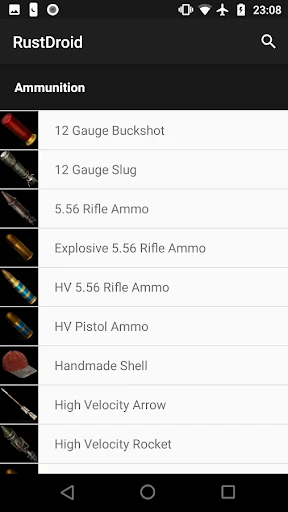
RustDroid makes the most sense for people who already operate a Rust server and need occasional control away from their main computer. It is more useful for a server owner, moderator, or small network administrator than for a regular player. The map-based tools and item database can save time when handling live events or player requests, while the console remains available for tasks that need direct commands.
The setup is technical enough that new server administrators may need to pay attention to the connection details, particularly the difference between query and game ports. Its 3.2 rating from 492 reviews suggests a mixed experience across its user base, but the app has passed 10,000+ installs. Developed by IO-Games, it is a focused utility rather than a general Rust companion: its value depends on having a compatible server to administer.