
kubenav - Kubernetes Dashboard
Rico Berger
Downloads
10,000+
Version
Latest
Click to download now, finish the installation quickly, and directly unlock the all-round experience
Screenshots
Click to download now, finish the installation quickly, and directly unlock the all-round experience
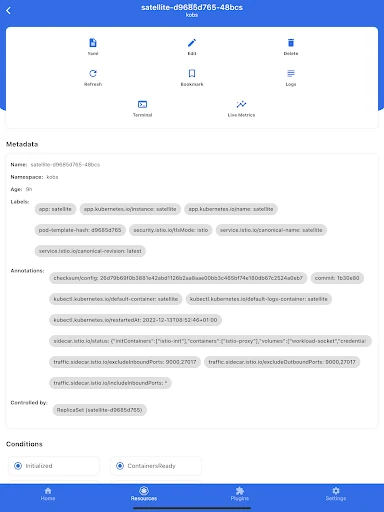
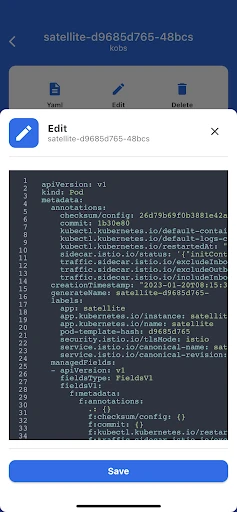
kubenav - Kubernetes Dashboard gives developers, DevOps engineers, and SREs a way to inspect and manage Kubernetes clusters without being tied to a workstation. It is built for people who need more than a read-only status screen: workloads can be reviewed, edited, deleted, or scaled from the app.
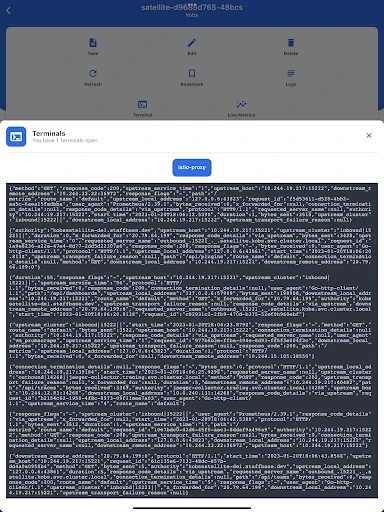
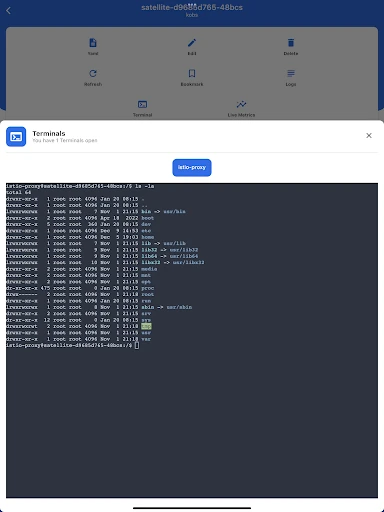
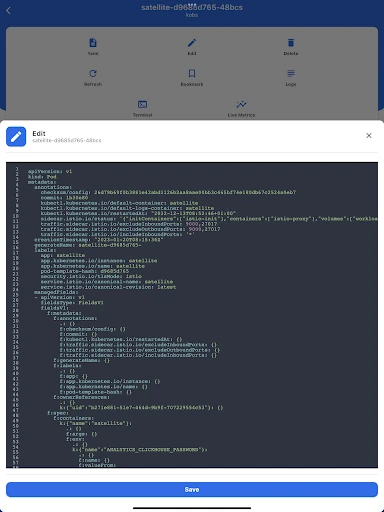
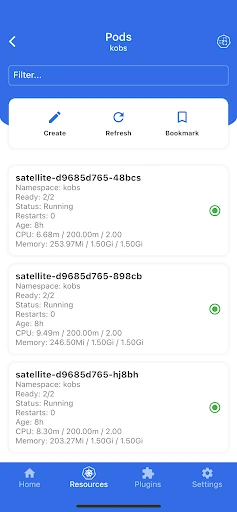
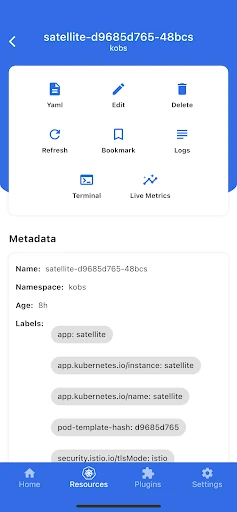
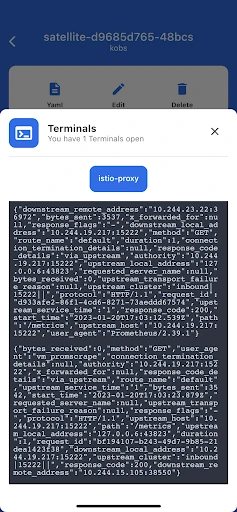
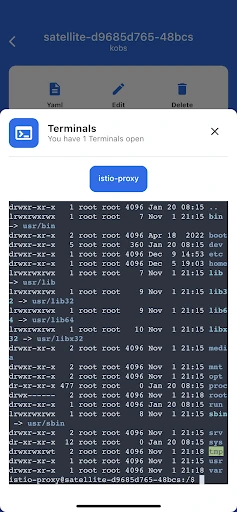
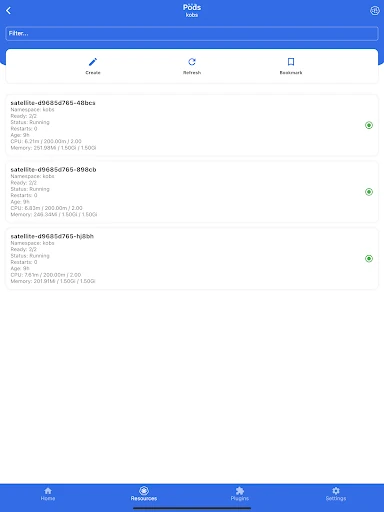
The app brings common Kubernetes resources into a mobile interface, including Pods, Deployments, and StatefulSets. You can move between namespaces, inspect resource details, review YAML, and check events and container logs. An integrated terminal adds a practical option for administrative work and remote troubleshooting, while log streaming helps follow what a container is doing in real time.
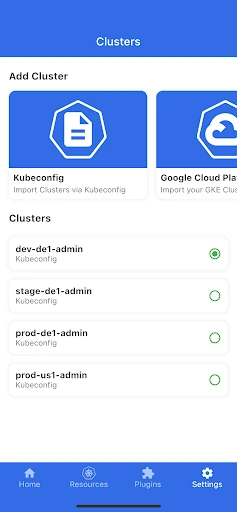
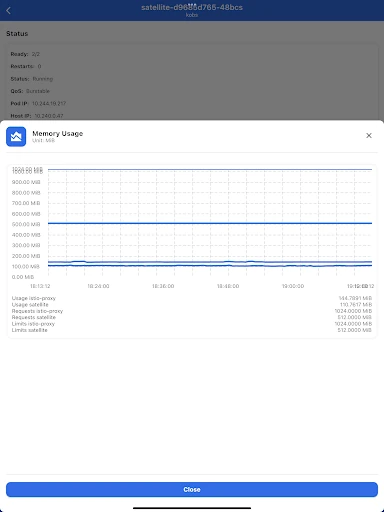
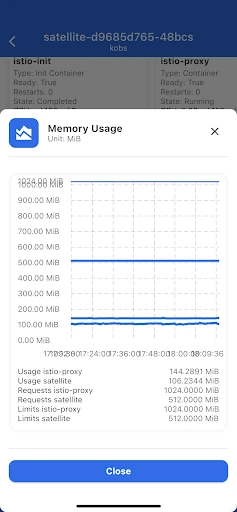
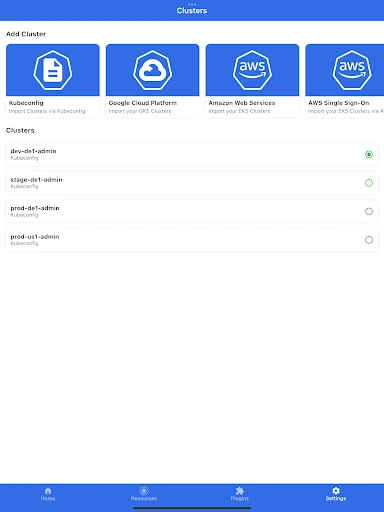
kubenav supports multiple clusters through cloud-provider authentication or custom kubeconfig files, making it suitable for teams working across different environments. Prometheus integration adds access to metrics and custom dashboards, including resource usage and configured requests or limits. Port-forwarding is also available when you need to reach a service from the device for testing or diagnosis.
With a 4.39 rating from 163 reviews and 10,000+ installs, kubenav has a clear audience among people who already work with Kubernetes. The interface is information-dense but arranged around familiar resource types and namespaces, so it makes the most sense to users who understand cluster administration rather than beginners looking for a general monitoring app.
Developed by Rico Berger, it is a focused utility for checking cluster state, investigating failures, and handling selected operational tasks when a full desktop setup is unavailable.